> For the complete documentation index, see [llms.txt](https://uxento.gitbook.io/uxento/llms.txt). Markdown versions of documentation pages are available by appending `.md` to page URLs; this page is available as [Markdown](https://uxento.gitbook.io/uxento/tools/uxtension/settings/pulse-card-colors.md).
# Pulse Card Colors
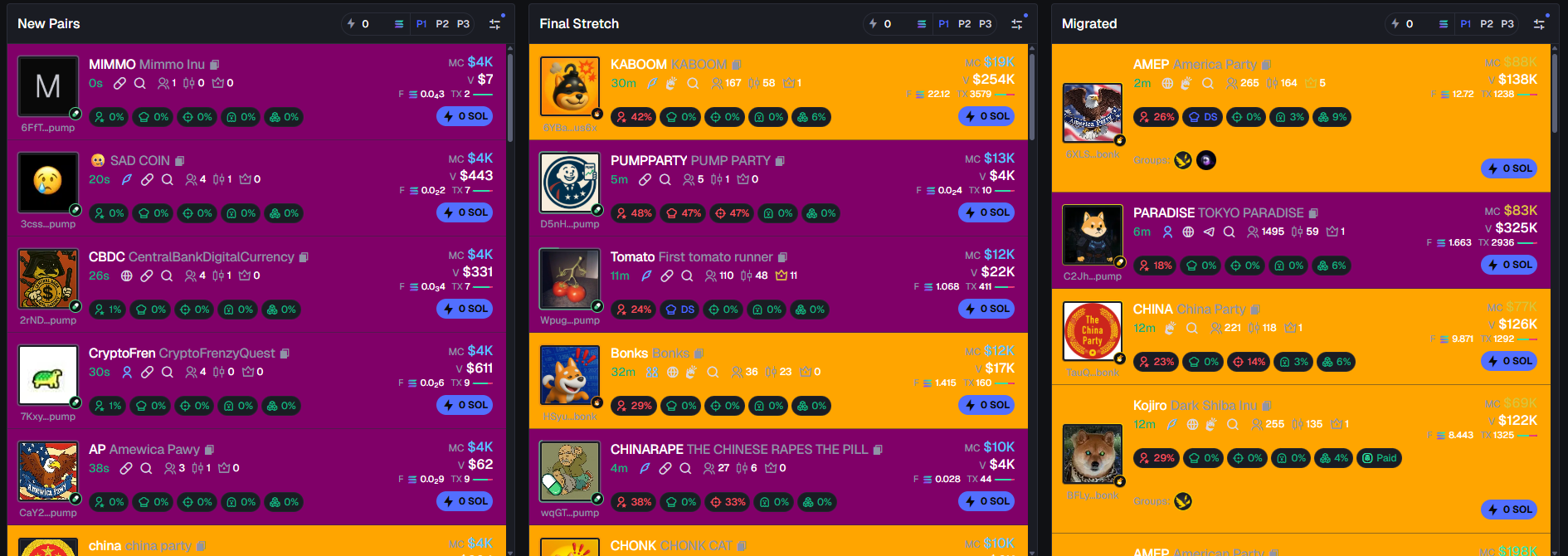
This part of the documentation will show you how to enable color coded cards for your Axiom Pulse page.
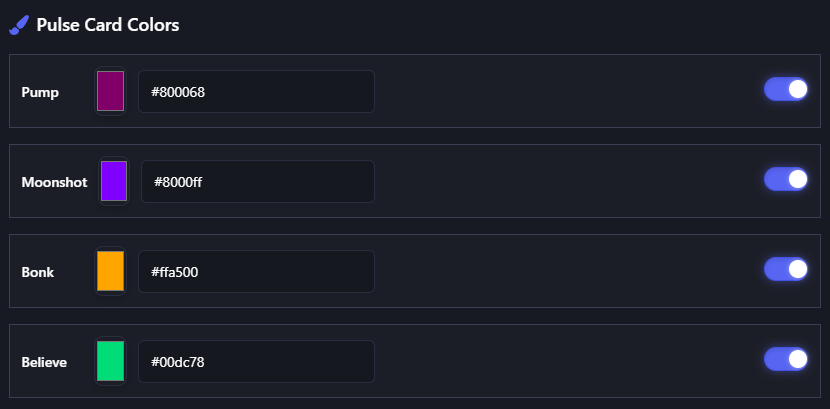
Another handy feature within the uxtension is the ability to color code all different kinds of cards within Axiom's Pulse page, allowing you to more efficiently view the information you need to.
To do this, simply navigate to the **General & UI** panel within your uxtension settings and scroll down to the Pulse Card Colors and toggle on which launchpads you would like to color-code. You may also customize the color of each card by clicking the color-picker or changing the hex code.