> For the complete documentation index, see [llms.txt](https://uxento.gitbook.io/uxento/llms.txt). Markdown versions of documentation pages are available by appending `.md` to page URLs; this page is available as [Markdown](https://uxento.gitbook.io/uxento/tools/uxtension/settings/pnl-setup.md).
# PNL Setup
This part of the documentation will explain how to set up your PNL tracker.
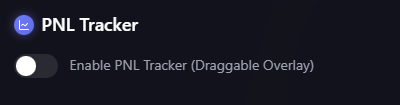
To enable your PNL tracker, simply tick the below box found within the **Trading Tools** panel in your uxtension settings:
"Disabled"
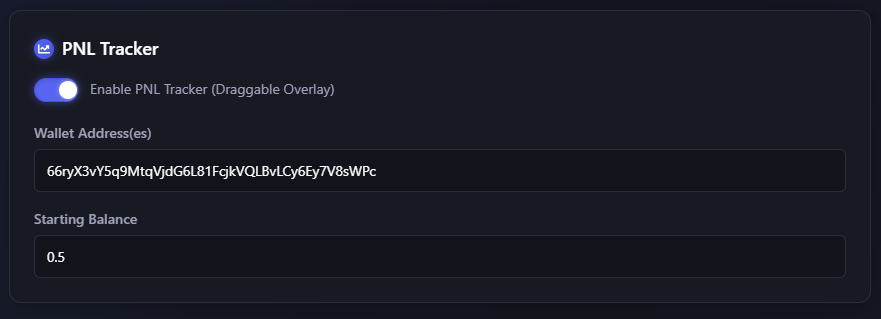
And then input the wallet/s you wish to track, as well as their starting balance.
Uxento's PNL tracker allows for multi-wallet tracking, just ensure you input separate wallets with a comma.
"Enabled"
uxtension's PNL tracker features a resizable design which can be dragged anywhere allowing for user customization.