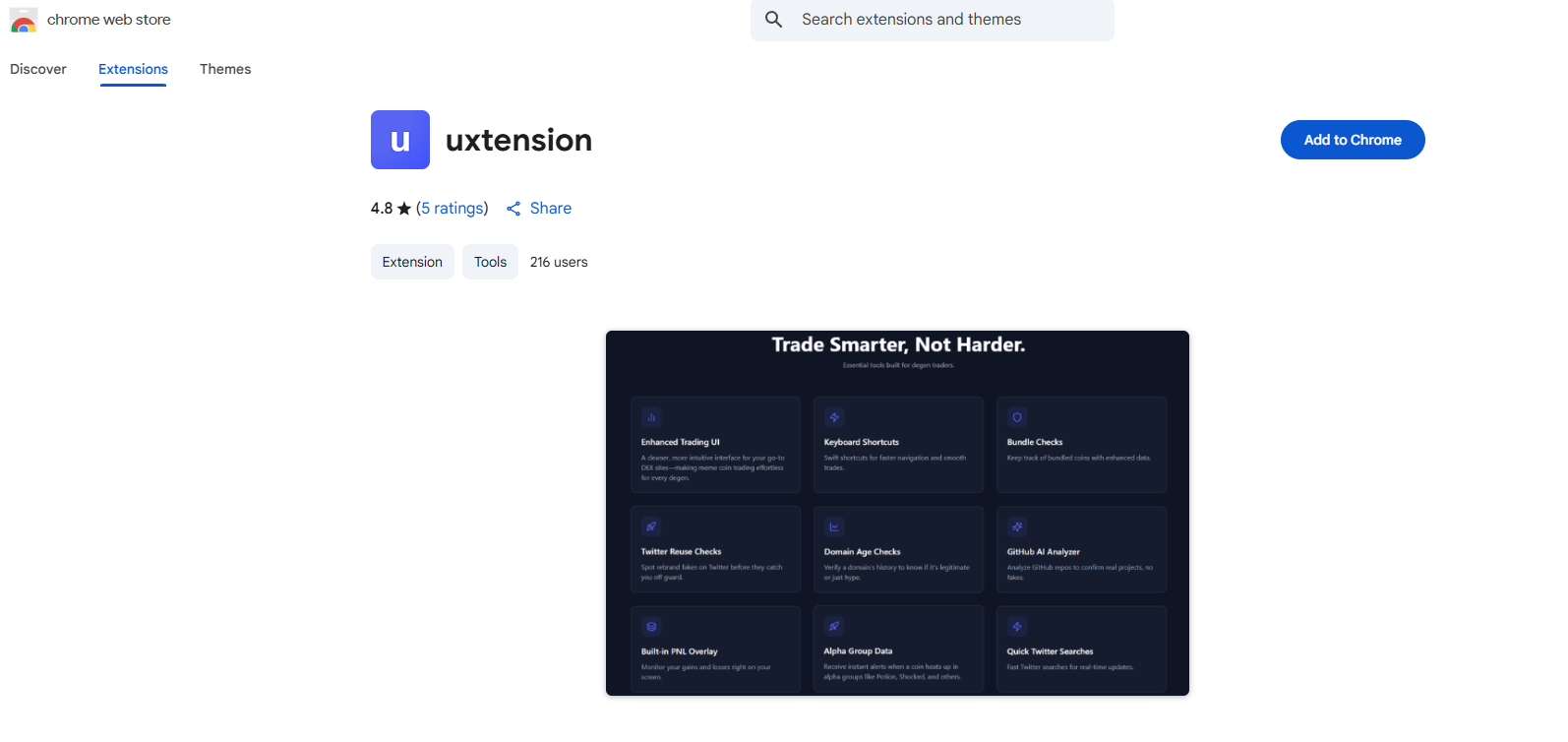
# uxtension
The uxento uxtension is completely free to download and use.
*To use the extension without bugs/interruption, deleting extensions such as "Phocaine" is required.*
***We offer everything they do, and more.***
### Currently supporting:
For the ultimate uxtension experience we recommend using [Axiom](https://axiom.trade/discover) however we also support GMGN, Photon and more.
**Download via the** [**Chrome Web Store**](https://chromewebstore.google.com/detail/uxtension/pljeffieceahpjcgldlglfidenecjloh)**.**
Simply navigate to (click me) on the Chrome Store and click "Add to Chrome".
### How to Update uxtension:
To easily update uxtension, you can enable developer mode and hit the update button (see video below).
{% embed url="" %}
How to Update
{% endembed %}
Or, you may also just "remove" the extension, and then re-download it from the Chrome Web Store to ensure you are on the latest version.
---
# Agent Instructions: Querying This Documentation
If you need additional information that is not directly available in this page, you can query the documentation dynamically by asking a question.
Perform an HTTP GET request on the current page URL with the `ask` query parameter:
```
GET https://uxento.gitbook.io/uxento/tools/uxtension.md?ask=
```
The question should be specific, self-contained, and written in natural language.
The response will contain a direct answer to the question and relevant excerpts and sources from the documentation.
Use this mechanism when the answer is not explicitly present in the current page, you need clarification or additional context, or you want to retrieve related documentation sections.